Kimi K3 in C: Run a 2.78T Parameter AI Model with 8GB RAM
Discover kimi-k3-in-c, a lightweight C99 inference engine that runs the 2.78-trillion-parameter Kimi K3 model on a CPU with just 8.24 GB RAM. Explore expert streaming, performance benchmarks, requirements, and setup.
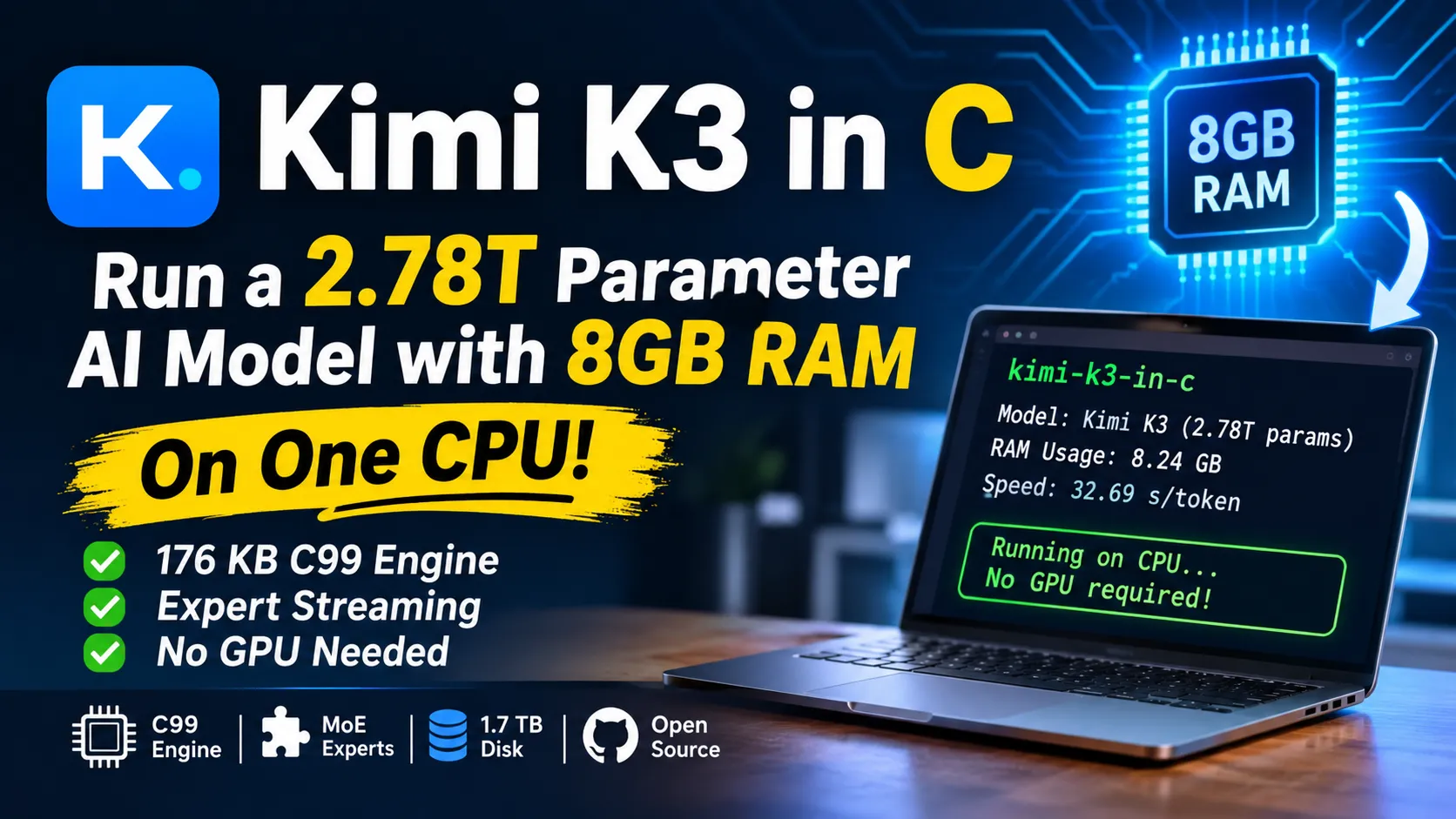
kimi-k3-in-c: how a 2.78-trillion-parameter model runs on one CPU with 8 GB of RAM
Kimi K3’s checkpoint weighs 1.56 TB. Fareed Khan’s open source engine, kimi-k3-in-c, runs it on a single CPU with a measured peak of 8.24 GB of RAM. No GPU, no BLAS, no framework. The whole engine compiles to 176 KB.
The catch is speed. On the 8 GB setting, the first public run took 32.69 seconds per token. So yes, it works. Go make tea.
The repo, FareedKhan-dev/kimi-k3-in-c, has 11.6k stars and 1.8k forks. Here’s how it pulls the trick off, what it costs you in disk and patience, and who should bother.
What is kimi-k3-in-c?
It’s a from-scratch inference engine for Moonshot AI’s Kimi K3, written in portable C99 under the Apache-2.0 license. It reads the original, unmodified checkpoint and streams most of it from disk instead of holding it in memory.
The first release notes list the architecture it handles: 93 layers (69 KDA and 24 Gated MLA), 896 routed experts with top-16 selection, SiTU-GLU, and native MXFP4 expert weights. If those terms are new, my Kimi K3 GGUF guide explains the model’s design in plain English before you dive into this one.
The engine is single-model. It runs Kimi K3 and nothing else.
How does a 1.56 TB model fit in 8.24 GB?
It doesn’t fit. It streams. The project walks through 4 steps that shrink the memory bill, and nothing in them approximates the model.
| Step | Memory needed | What changes |
|---|---|---|
| Naive bf16 | 5,560 GB | Every parameter sits in RAM |
| As shipped | 1,560 GB | Experts already arrive as 4-bit |
| Routing | 113.49 GB | Experts never load, only the always-on trunk does |
| Streaming | 8.24 GB | The trunk streams from disk too |
These figures come from the project’s README, as summarized in andrew.ooo’s review. That’s roughly 675 times smaller than the bf16 footprint.
Why are the experts the easy part?
The model has 82,432 routed experts (896 per layer across 92 MoE layers). Each one takes exactly 17,547,264 bytes, so together they weigh 1.447 TB. That’s 93% of the checkpoint.
For any one token, only 16 experts per layer fire. The README says about 104 billion of the 2.78 trillion parameters are active, or 3.7%. The other 96.3% just has to sit somewhere the engine can reach.
What does “trunk streaming” mean?
The trunk is everything that runs for every token: attention, dense layers, embeddings, the output head. It totals 113.49 GB. The engine repacks it once (about 4 minutes) into a single 109 GB file, then reads layers off the disk as it needs them.
Memory becomes a dial instead of a floor. The README claims the same model produces byte-identical output at every budget from 8 GB to 224 GB. More RAM changes the clock. It never changes the answer.
How slow is it, really?
Slow enough to plan your day around. The numbers below come from the project’s own runs on a two-socket EPYC 7763 server, reported by andrew.ooo.
| Setup | Tokens | Time | Per token | Peak RAM |
|---|---|---|---|---|
laptop preset (8 GB) | 8 | 261.5 s | 32.69 s | 8.24 GB |
server preset | 28 | 299.3 s | 10.69 s | 127.92 GB |
A third-party writeup puts a 100-token answer at over 40 minutes on 8 GB. It also lists 24.2 seconds per token on a high-end laptop with 32 GB.
Those numbers predate v1.0.0. The reviewer says fused matmul kernels cut per-token compute about 8x in later releases, and v1.1.0 added another AVX2 speedup. Those are the project’s measurements, and I haven’t seen an independent rerun. Treat current speed as better than the table, and still far from interactive.
What do you need to run it?
You need a CPU with AVX2 and FMA, at least 8 GB of RAM, and about 1.7 TB of free disk. The disk is the real gate.
| Item | Requirement |
|---|---|
| CPU | AVX2 + FMA on x86-64 (AVX-512 unnecessary), NEON on arm64 |
| RAM | 8 GB and up, more is faster and never different |
| Storage | About 1.7 TB: 1.56 TB checkpoint plus 109 GB packed trunk, ideally on NVMe |
| OS | Linux x86-64 is the reference; macOS/arm64 and Windows/x86-64 build as of v1.1.0 |
| Toolchain | GCC 9+ or Clang 10+, GNU make or CMake |
| Python | 3.9+ for the download and pack tools only |
A spinning hard drive will make the streaming path miserable. Buy the NVMe first.
How do you try it without downloading 1.56 TB?
Run the weightless test. It needs no checkpoint, no network, and no Python. Clone, build, and test:
1
2
3
4
git clone https://github.com/FareedKhan-dev/kimi-k3-in-c.git
cd kimi-k3-in-c
make -j
make test
The test builds a 13-layer model with the same tensor graph as the real one and checks the engine against a committed PyTorch reference. It runs 3 gates: teacher forcing (32 of 32 positions), greedy decode (20 of 20 tokens), and incremental decode (20 of 20 tokens). The README says the verdict line reads “ENGINE MATCHES THE REFERENCE EXACTLY.”
That’s a smart design choice. A 1.56 TB checkpoint is hard to check, so the author made correctness checkable without it.
For a middle path, v1.1.0 added download-model.sh <dest> --layers N. It fetches only the shards a layer prefix needs, about 7 GB for N=1, so you can test the pipeline without the full download.
How do you run the full model?
The full path has 6 steps. Budget a few hours for the download alone.
1
2
3
4
5
6
7
8
./scripts/k3-doctor.sh                        # checks toolchain, RAM, disk
make -j && make test                          # verify before the big download
export HF_TOKEN=hf_your_token_here
./scripts/download-model.sh ~/k3model         # 1.56 TB, resumable
./scripts/pack-trunk.sh ~/k3model ~/k3trunk   # ~4 minutes, once
./bin/k3 ~/k3model --trunk ~/k3trunk --preset laptop \
         --tok ~/k3model --prompt "The capital of France is" \
         --gen 8 --incremental
Two flags matter most. --trunk turns on streaming, and without it the engine loads all 113.5 GB of trunk whatever preset you pick. --incremental carries the KV cache between tokens, so you pay for the prompt once. Pass it every time.
Presets are laptop, desktop, workstation, server, and max. Later releases added --preset auto, which sizes budgets from your free RAM, and --preset ultra, which runs the complete 93-layer model in an 8 GB-class budget. The release notes say the author verified ultra with 4 full runs on a Jetson Orin Nano Super, and the project labels it slow.
The first documented run prints “Paris.” as its first token. The engine ran a 2.78-trillion-parameter model on a laptop-class budget to answer a geography question. (It’s a base model, so what follows is a continuation, not a reply. v1.1.0 added a --chat mode with the official Kimi chat format.)
How does this compare with running a GGUF?
A GGUF build trades quality for size and still needs a huge machine. kimi-k3-in-c keeps full quality and needs a huge disk instead.
In my GGUF walkthrough, Unsloth’s smallest 1-bit quant takes 594 GB and wants about 610 GB of combined RAM and VRAM. That’s a workstation or a rented GPU node.
| Unsloth GGUF (1-bit) | kimi-k3-in-c | |
|---|---|---|
| Memory | ~610 GB RAM + VRAM | 8.24 GB RAM |
| Disk | ~594 GB | ~1.7 TB |
| Weights | Quantized to 1-bit | Original checkpoint, unmodified |
| Speed | Usable on big hardware | About 32 s/token at 8 GB (pre-v1.0) |
Pick the GGUF if you have the memory and want a usable chat. Pick kimi-k3-in-c if you have the disk and want the exact model on cheap hardware, or you want to learn how it works.
What are the limits?
It’s a reference implementation and a teaching tool, and the author and reviewers say so. Check these before you invest a weekend.
- Speed. Even with later improvements, it isn’t interactive.
- Disk. 1.7 TB of fast storage is a bigger ask than 8 GB of RAM.
- Cost. One reviewer reports that the hosted Kimi K3 API often costs less than the electricity for a long local run. That’s a reviewer’s summary of community comments, so run your own numbers.
- Model version. Moonshot has since released Kimi K3.1 Pro with open weights. The README still targets the original K3, and andrew.ooo found no issue or pull request covering the new model. Don’t assume K3.1 Pro loads unmodified.
- Maintenance. The latest release is v1.1.0 from October 2, 2026. Andrew.ooo reports no commits to
mainsince that date and 26 open pull requests, most filed in early November. Treat them as proposals until they merge.
Who should use kimi-k3-in-c?
Systems programmers, ML engineers, and students who learn by reading code. It’s a clean look at how a frontier mixture-of-experts model maps onto real memory, byte by byte.
The project’s own write-up, “Building Kimi K3 in C,” walks through the components from scratch. Andrew.ooo’s review calls it one of the clearest teaching artifacts of the year.
Skip it if you need answers today. The hosted API is faster, and so is nearly everything else.
Frequently asked questions
Can you really run Kimi K3 on a laptop?
Yes, on CPU only, if it has AVX2, 8 GB of RAM, and about 1.7 TB of free disk. Expect tens of seconds per token at the lowest memory setting.
Does kimi-k3-in-c need a GPU?
No. The project lists zero GPUs in its headline figures, and there’s no GPU code path at all.
Is the output the same at 8 GB and 224 GB?
The README says yes. Streaming changes where the weights live, and the values stay the same. The engine’s tests check each path against a PyTorch reference.
How is it different from llama.cpp or Ollama?
Those tools run models that fit your hardware. kimi-k3-in-c runs one that doesn’t fit, and pays for it in speed.
Is it free?
Yes. The code is Apache-2.0. You still need the Kimi K3 checkpoint, which is a 1.56 TB download from Hugging Face.
Key facts at a glance
- Repo: github.com/FareedKhan-dev/kimi-k3-in-c, Apache-2.0
- Stats: 11.6k stars, 1.8k forks, 98 commits
- Latest release: v1.1.0, October 2, 2026
- Model: Kimi K3, 2.78T parameters, 1.56 TB checkpoint
- Peak RAM: 8.24 GB (measured)
- Engine size: 176 KB, written in portable C99
- Architecture handled: 93 layers, 69 KDA and 24 Gated MLA, 896 experts with top-16 routing
- Routed experts: 82,432 at 17,547,264 bytes each, 1.447 TB in total
- Disk needed: about 1.7 TB
- First-run speed: 32.69 s/token at 8 GB, 10.69 s/token at the server preset (pre-v1.0)
- Verification: weightless
make testmatches a PyTorch reference on 3 gates - Platforms: Linux x86-64 reference, macOS/arm64 and Windows/x86-64 as of v1.1.0
- Related guide: Kimi K3 GGUF: how to run the world’s largest open-weight AI model locally